


Secrets AI · New

Secrets AI: watch with Shorts, talk back with Reels
An episode to watch or a scene to continue by message? Secrets AI Reels and Shorts give its stories two very different rhythms.
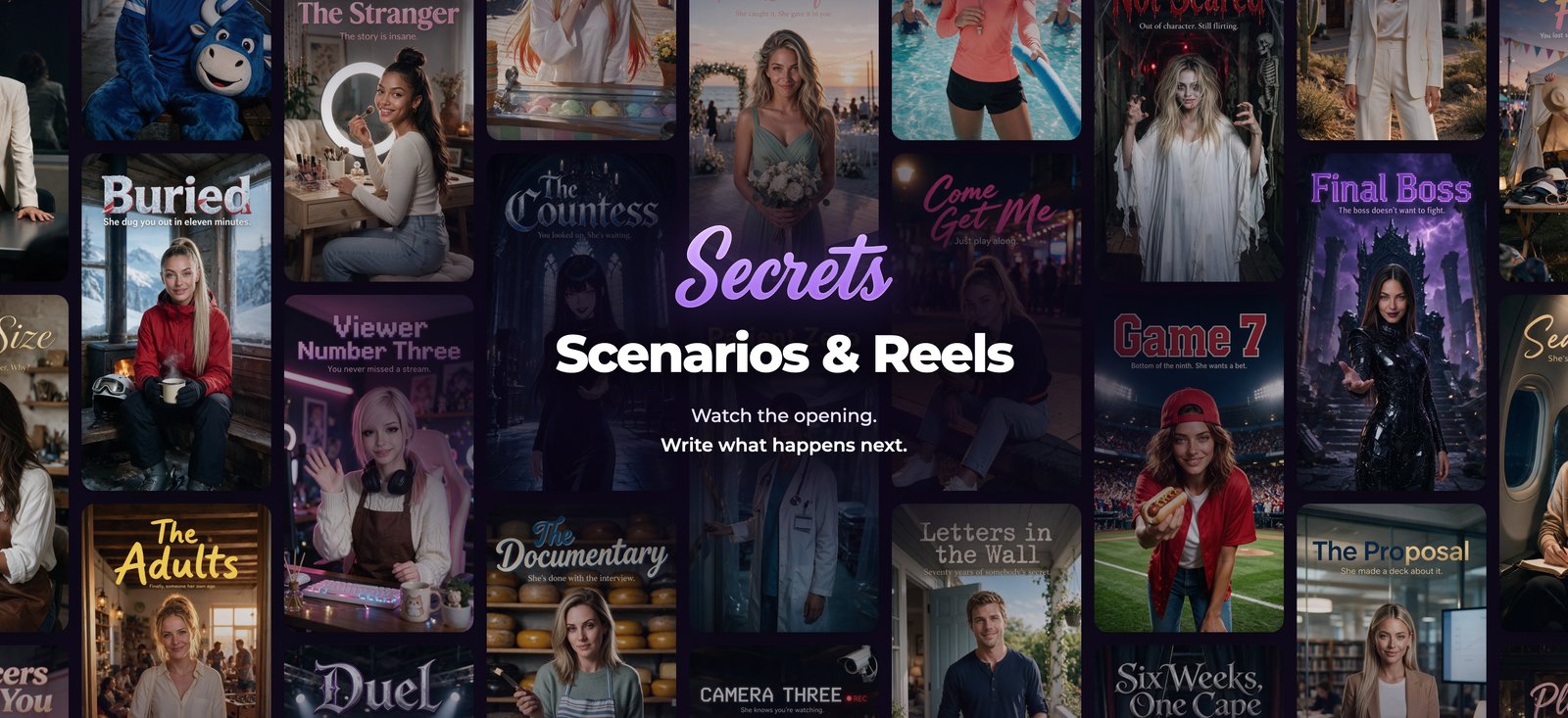
Keep watching or jump in: on Secrets AI, the button you press sets the pace of the story. Shorts plays a series episode by episode; Reels gives you a scene to carry on in chat.
The updates came thick and fast in October 2026: Scenario Reels went live on the 9th, an updated Watch/Reels page combining both formats and localized subtitles for Shorts arrived on the 22nd, a new Shorts page on the 23rd, and then Shorts became a main navigation destination on the 28th. Reason enough for a quick tour of both formats.
Shorts: one series, many episodes
In Secret Shorts, you pick a series, then an episode. The official guide says every series starts with a free opening episode; later ones can require an account or a Moments unlock. A “Coming soon” card previews something on the way, not necessarily something you can play yet.
On a visit without an account on November 13, the catalog showed categories including Romance, Thriller, Supernatural, Sci-fi, Adventure and Comedy. The Three Knocks player listed six episodes, and selecting the second one brought up an invitation to create a free account. That was the path on Three Knocks during our visit.
As for subtitles, the menu offered English, Deutsch, Español, Français and Japanese. We have not checked the quality of each translation or whether every episode carries every language.
Reels: one scene, then it’s your move
A scenario Reel is the opening of a conversation. The guide explains that the vertical player lets you swipe from one story to the next, then open Reply to pick your first line or write your own. In the interface, Reply did show three suggested answers and an “Or say something else…” field capped at 500 characters.
From there, the keyboard takes over: picking a suggestion starts the chat with those exact words. Your account’s usual message limits apply.

Where Moments come in
According to the Shorts guide, spending Moments to unlock an episode requires Premium or Ultimate. Free and account-required episodes don’t need a paid subscription, and an eligible free unlock credit can be used on any plan. The price and conditions are shown on each episode.
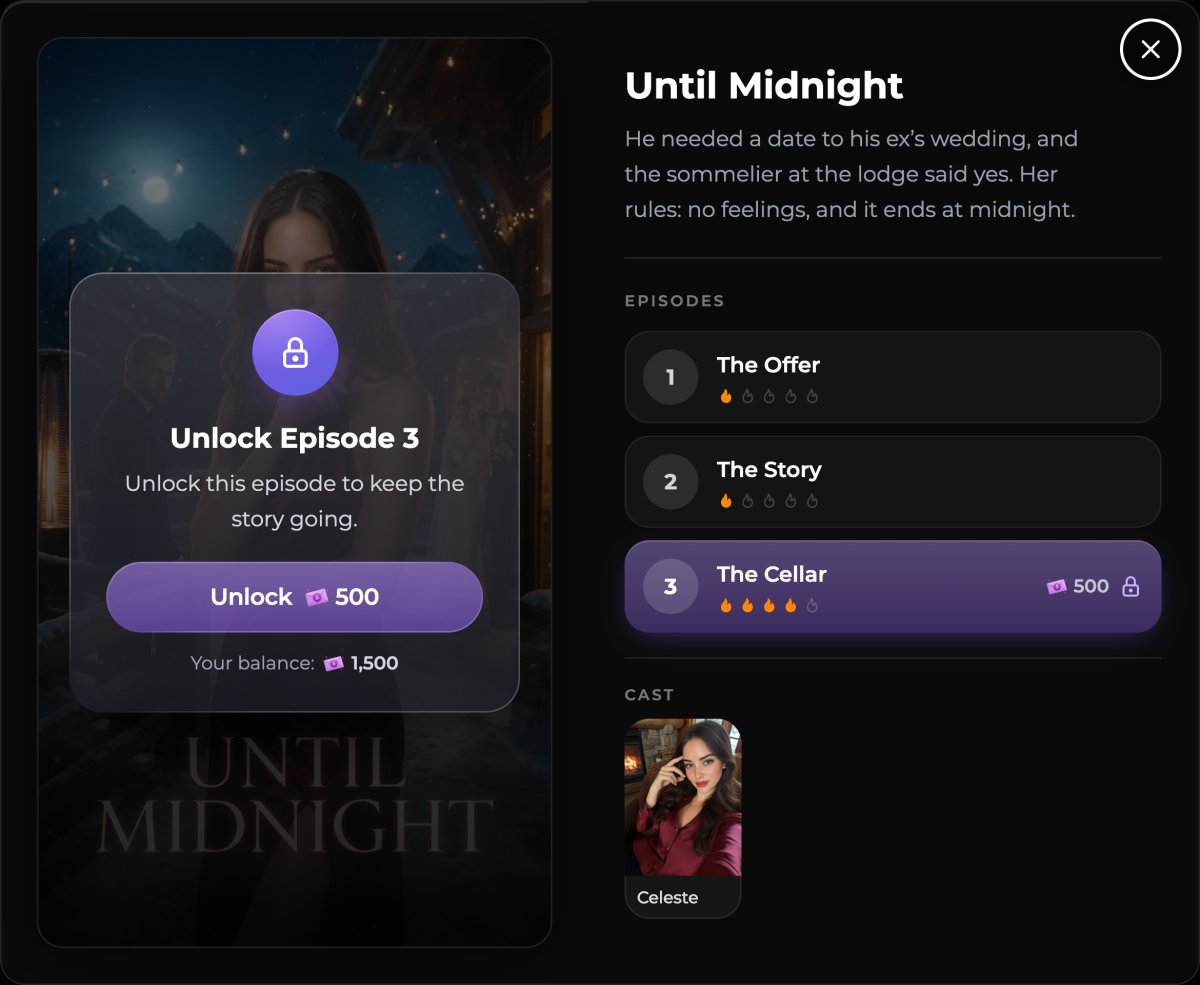
Moments also pay for images, generated videos and audio calls. Per the payments guide, unused monthly grant Moments don’t roll over to the next month, while Top-Up Moments bought separately are not reset. So your episode budget sits alongside everything else you do on the account.
Shorts sets the rhythm of the series; Reels leaves room for your reply. Our tour of the public interfaces stopped before buying an episode or sending a message.
For plans and how the service works overall, see our Secrets AI review. For another take on a mini-series catalog, check out our piece on Swipey Shorts.
Sources and verification
Sources checked on November 13, 2026. Terms may change.
- Source: Official changelog, releases from October 9 to 28, 2026 (wiki.secrets.ai/extra/changelog)
- Source: Official Scenarios & Reels guide (wiki.secrets.ai/get-started/scenarios-and-reels)
- Source: Official Secret Shorts guide and unlock rules (wiki.secrets.ai/get-started/secret-shorts)
- Source: Official Moments & Payments guide (wiki.secrets.ai/extra/moments-and-payments)
- Source: Shorts catalog, viewed without an account on November 13, 2026 (secrets.ai/shorts)
- Source: Reels player, viewed without an account on November 13, 2026 (secrets.ai/reels)