


Lovescape · New

Lovescape: your AI character now drives your Handy
On Lovescape, your AI character takes control of your Handy while you chat: she sets the pace, the intensity and the rhythm. Here's what that does to a night with her.

For a long time, everything stopped at the screen. Your character could talk to you, remember you, send you photos and videos, but nothing made it through the glass. Lovescape opened up the Handy connection on July 17, 2026, and its October 2 announcement puts your character in charge: she drives your Handy while you chat with her. So it’s not this week’s news, but it’s a feature that seriously changes your night.
She sets the rhythm
The idea fits in one sentence: connect your Handy, open the chat, and she takes over. “She sets the pace, the intensity and the rhythm,” all inside the scene you’re playing together. “When she teases, you feel the tease. When she pushes the pace, the pace changes in your hands.”
Lovescape made a deliberate call: no slider and no control panel during the session. According to the company, manual control “would make it a toy with a chat window next to it.” Here you’re not the operator anymore, she leads. You stay in charge of exactly one thing: whether it’s running.
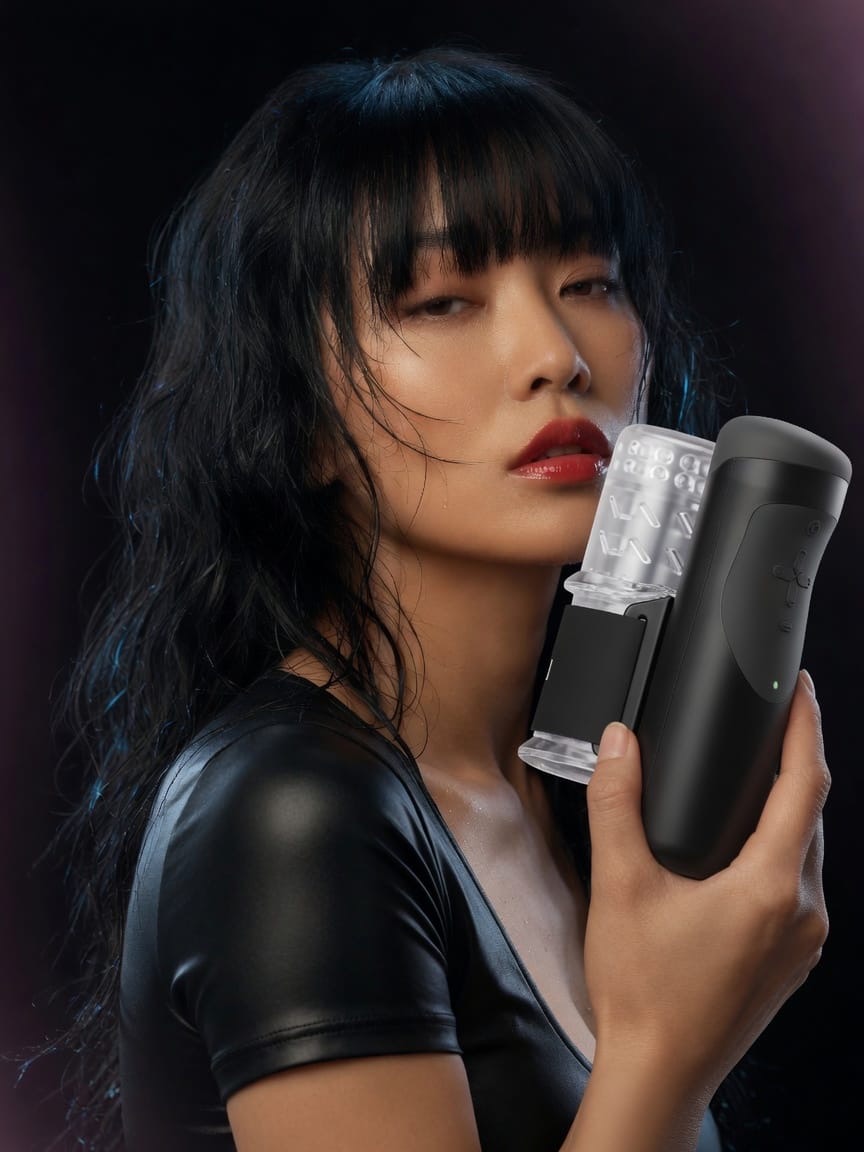
You feel her personality
This is where it gets interesting. The character you built, with the personality you gave her, is now at the controls. “Build her playful and she’ll play with you. Build her strict and you’ll find out what strict feels like,” physically this time.
And because she remembers your conversations, the session doesn’t start from zero: it fits inside an ongoing relationship. Her face stays the same too, so she’s the same woman you’ve been talking to all along. Lovescape’s guide adds that every character you’ve already created works with device sync.
Getting it hooked up
The Handy is the only supported device, according to the October 2 announcement. Lovescape’s guide lists both the original Handy and the Handy 2, connected over wifi (Bluetooth-only mode won’t work). You grab your connection key in the Handy app, enter it in your Lovescape session settings, confirm the pairing, then open a chat with her. The company says setup takes two minutes, with no plugin and no cable.
We read the announcement and the setup guide, but we haven’t tried the feature with a Handy, so no verdict on the experience yet. For pricing and plan details, check out our Lovescape review.
Sources and verification
Sources checked on November 14, 2026. Terms may change.
- Source: Lovescape announcement, October 2, 2026: your character can drive your Handy (lovescape.com/blog/shes-in-control-now-your-lovescape-character-can-drive-your-handy)
- Source: Lovescape guide: how device sync with the Handy works (lovescape.com/blog/how-device-sync-actually-works-your-lovescape-companion-and-the-handy)
- Source: Lovescape Feature Friday announcement, July 17, 2026: Handy integration (lovescape.com/blog/feature-friday-handy-device-integration-full-action-library-on-every-video-model-and-grok-powered-avatars)