VR porn is the closest thing to being inside the scene rather than watching it on a flat screen. Done right, it is immersive and surprisingly easy to set up. Done wrong, it is blurry, nauseating, and frustrating. This guide walks through the whole pipeline: how VR adult content actually works, which headset fits your budget, how to get the video onto that headset, and the comfort and quality settings that separate a great session from a headache.
If you want to skip straight to where the content lives, start with the best VR porn sites and come back here to dial in your setup.
How VR porn differs from flat video
Standard porn is a 2D rectangle. VR porn is shot and rendered so that your headset shows a slightly different image to each eye (stereoscopic 3D) and lets you turn your head to look around. There are two main formats:
- 180 degree video is the dominant format. The camera captures a half-sphere in front of you. You can look left, right, up, and down within that hemisphere, but not behind you. Because all the resolution is concentrated on the area you actually watch, 180 video looks sharper than 360 at the same file size.
- 360 degree video captures a full sphere. You can spin around completely, but the same pixels are spread over twice the area, so it tends to look softer unless the bitrate is very high.
Almost all VR adult content is also POV (point of view), meaning the camera sits where your eyes would be. Combined with stereoscopic depth, this is what creates the sense of presence. Scale matters here: when the production is filmed with correct interaxial spacing, performers feel life-sized rather than miniature or giant. Poor scale is one of the most common reasons a scene feels off even when it is technically high resolution.
Choosing a headset
Your headset is the single biggest factor in quality and convenience. The market splits into standalone units and PC-tethered (or console) units.
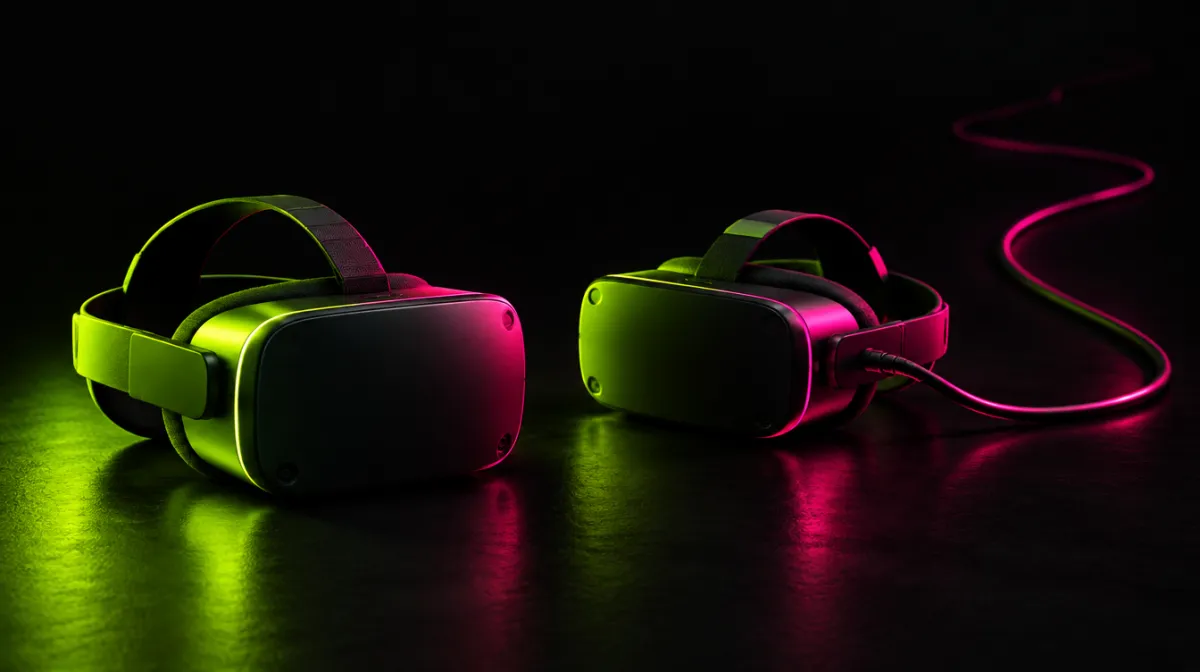
Standalone headsets run everything on the device itself, with no cables to a computer. The Meta Quest 3 is the current sweet spot for most people: high resolution per eye, pancake lenses with a wide sharp area, and a large library of compatible apps. The older Meta Quest 2 still works well and is the budget entry point if you can find one. PICO headsets are a comparable standalone alternative in regions where they are sold. Standalone is the easiest path: you can stream or sideload directly to the headset and never touch a PC.
PC-tethered and console headsets push the visuals higher but add hardware requirements. The PlayStation VR2 delivers excellent panels and works with a PS5, though its adult-app situation is more limited because content has to reach it through PC streaming workarounds rather than a native store. A PC connected to a high-end headset gives you the most control over players and codecs, at the cost of setup complexity and a capable graphics card.
Apple Vision Pro sits in its own category: outstanding displays and passthrough, premium price, and a smaller but growing set of compatible adult players. It shines for high-bitrate downloaded files more than for casual streaming.
The practical trade-off is simple. Standalone (Quest 3, PICO) wins on convenience and is what most newcomers should buy. PC-tethered or Vision Pro wins on peak image quality if you are willing to manage more moving parts.
Streaming versus downloading and sideloading
Once you have a headset, you need to get video onto it. There are three approaches.
Streaming plays the scene over your network straight from the studio, much like Netflix. It is instant and uses no local storage, but quality depends on your connection. For smooth 8K-class VR streaming you generally want a strong, stable Wi-Fi 6 connection and the headset close to the router. Streaming is the fastest way to start and the right default for most people.
Downloading saves the file to the headset or to a PC first, then plays it locally. This guarantees full bitrate with no buffering and is the best route for the highest fidelity, especially on Vision Pro or a PC rig. The downside is storage: a single high-resolution VR scene can be several gigabytes.
Sideloading means transferring a downloaded file onto a standalone headset manually, usually by plugging the Quest into a computer and copying the video into the player app’s folder, or by using the player’s built-in browser to pull the file in. This is how you watch downloaded scenes on a device that has no native adult store. It sounds technical but is mostly drag and drop once the player is installed.
Recommended players and apps
A dedicated VR player handles the stereoscopic projection and head tracking that a normal video app cannot. Two are the de facto standard:
- DeoVR is the most widely supported free player. It runs on Quest, PICO, PC, and more, opens almost every projection format automatically, and streams directly from sites that integrate with it. It is the safe first choice.
- Heresphere is a more advanced player favored by enthusiasts for fine control: per-scene geometry tweaks, color and sharpness adjustment, and strong support for interactive scripts. It has a learning curve but rewards it.
Install one of these before anything else. Most studios let you launch a scene straight into DeoVR or Heresphere from their site, which removes the guesswork around projection settings.
Resolution, bitrate, and comfort
VR resolution numbers look huge because the image wraps around your whole field of view, so the effective sharpness per degree is far lower than a flat 8K TV. Aim for the highest resolution your headset and connection can sustain (modern scenes are commonly delivered up to 8K per eye), but remember that bitrate matters as much as resolution. A well-encoded file at a high bitrate looks cleaner than a higher-resolution file that has been over-compressed. If streaming looks mushy, drop the resolution one step before assuming the source is bad: your network is the more likely bottleneck.
Comfort is the other half of a good experience:
- IPD (interpupillary distance): set the lens spacing to match the distance between your pupils. Wrong IPD causes eye strain and a subtle wrongness in depth and scale. On headsets with a physical adjustment, get this right first.
- Motion comfort: VR porn is mostly stationary POV, which is gentle on the stomach, but rapid camera movement or low frame rates can trigger nausea. Start with shorter sessions, keep the room cool, and take breaks if you feel any discomfort.
- Hygiene: the facial interface and lenses get warm and sweaty. Use a wipeable silicone cover or disposable liners, keep a microfiber cloth for the lenses (never use alcohol directly on the lens coating), and clean after each session.
Subscription versus per-scene
Studios sell access two ways. Subscriptions give unlimited streaming and often downloads from a full catalog for a monthly fee, which is the better value if you watch regularly or want to explore a studio’s range. Per-scene purchases let you buy individual videos and keep them, which suits occasional viewers or anyone who wants a permanent download library without an ongoing commitment.
The major studios worth knowing are SexLikeReal, which also operates as a large aggregator and app ecosystem, alongside dedicated producers like VRBangers, BaDoinkVR, and WankzVR. Each has its own style and catalog, and most offer a sample or trial so you can test how their encoding looks on your specific headset before subscribing.
If you would rather generate custom adult imagery than watch filmed scenes, AI tools like Promptchan cover that different use case, though they are not a VR experience. For a broader look at adult platforms across categories, see our full ranking.
Putting it together
A reliable first setup looks like this: a Meta Quest 3, the DeoVR player installed, a strong Wi-Fi 6 connection for streaming, and a subscription to one studio so you can sample widely. Set your IPD, start with 180 degree scenes at a sensible resolution, and only chase 8K downloads and Heresphere fine-tuning once the basics feel comfortable. The technology rewards a little patience: get the fundamentals right and the immersion does the rest.
FAQ
Do I need a gaming PC to watch VR porn?
No. A standalone headset like the Meta Quest 3 or a PICO runs everything on its own and can stream or play downloaded scenes without any computer. A PC (or Vision Pro) only becomes worthwhile if you want the absolute highest image quality from local high-bitrate files.
Why does my VR porn look blurry?
The two usual causes are network and bitrate, not the headset. Streaming over weak Wi-Fi forces lower quality, so move closer to the router or download the file instead. Also check that your IPD is set correctly and the lenses are clean, since both affect perceived sharpness.
Is 180 or 360 video better?
For most people, 180 degree video. It concentrates all the resolution on the area you actually look at, so it appears sharper at the same file size and matches the POV style of nearly all adult VR content. Choose 360 only when you specifically want to look all the way around.
Can VR porn cause motion sickness?
It can, though far less than action VR games because the camera usually stays put in POV scenes. Keep early sessions short, ensure your frame rate is steady, set your IPD correctly, and stop if you feel queasy. Most people adjust quickly once their setup is dialed in.
More in this niche
A few profiles from our directory worth checking: SexLikeReal, VRBangers, BaDoinkVR.