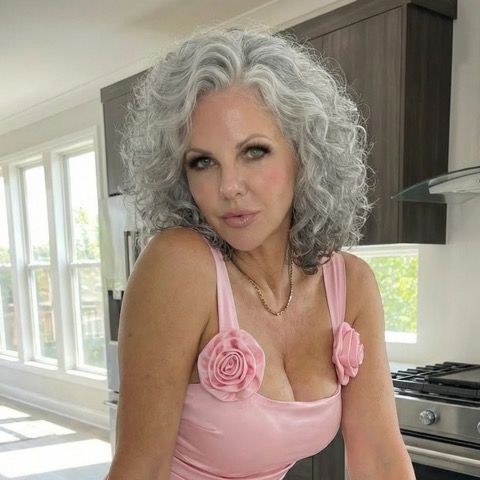
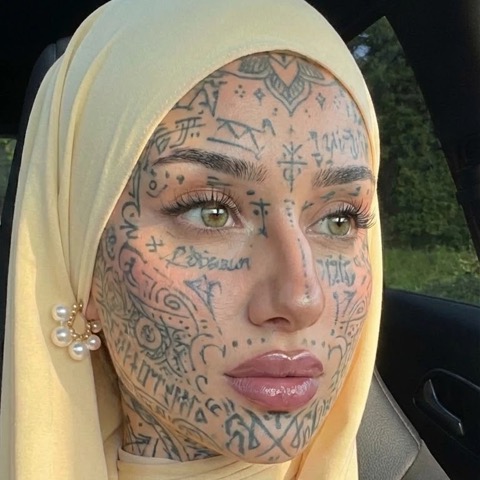
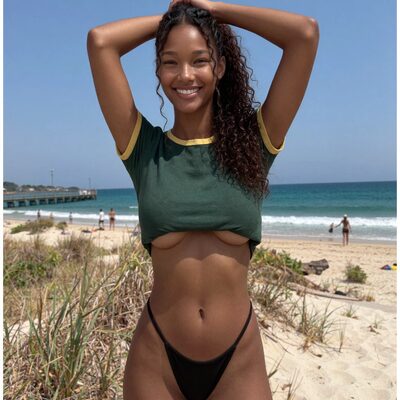
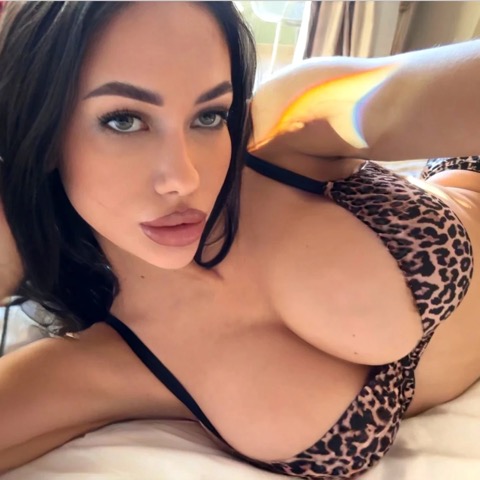
You write a perfectly reasonable adult prompt, hit generate, and the model hands you a blank frame or a polite refusal. It is one of the most common frustrations with AI porn generators, and most of the time it has nothing to do with your intent. It is the wording. A refusal is usually the safety system reacting to an ambiguous phrase, not a judgment on legitimate adult content.
This guide explains why compliant prompts still get blocked, how to structure a prompt so the model understands you, the vocabulary that helps, and the one negative prompt you should never omit. Everything here assumes legitimate adult content within each service’s terms: every person depicted is an adult, 25 or older, and consenting. We do not cover circumventing safety on disallowed material, and you should not try to.
Why prompts get refused
Two failure modes account for the vast majority of unexpected refusals.
Over-broad filters. Safety classifiers are tuned to be conservative. They scan your text for risk signals before a single pixel is rendered. A word that is innocent in one context can trip a filter in another, especially anything that implies youth, family roles, or schools. “Petite,” “schoolgirl outfit,” “baby face,” “little,” “teen” (even as slang for a body type), and role words like “daughter” or “student” are classic offenders. The model is not accusing you of anything; it is refusing to risk an edge case. Replace those words and the same scene often renders instantly.
Ambiguous wording. Image models read your prompt literally and fill gaps with statistical guesses. If you do not specify age, the model has to infer it, and an unspecified subject is exactly the kind of uncertainty a safety system resolves by refusing. Vague prompts also produce vague images: “a woman in a bedroom” gives the model nothing to anchor on, so it returns something generic or nothing at all. Specificity is both a quality lever and a safety signal. The more clearly you assert an adult, professional, consensual scene, the less the filter has to guess.
A third, smaller bucket is genuinely disallowed content: non-consensual scenarios, real public figures, and anything involving minors. No prompt phrasing fixes those, and nothing in this guide will help you produce them. They are off the table.
Prompt structure that works
Treat a prompt like a shot list, not a sentence. Most strong NSFW prompts follow the same skeleton, and filling each slot deliberately raises both quality and pass rate.

- Subject. Who is in frame, with an explicit adult marker. “A 28-year-old woman,” “a mature adult couple in their 30s.” State age first. This is the single most effective thing you can do.
- Appearance and wardrobe. Build, hair, skin, clothing or state of undress. Be concrete: “athletic build, auburn hair, lace lingerie.”
- Style and medium. Photorealistic, film photography, 3D render, anime, oil painting. This sets the entire aesthetic. For stylized output, name the medium clearly; for example, anime or hentai work routes best through tools built for it.
- Shot and composition. Framing and angle: “full-body shot,” “close-up,” “low angle,” “over-the-shoulder.” This controls what the model emphasizes.
- Lighting and mood. “Soft window light,” “warm golden hour,” “moody single-source lighting.” Lighting does more for realism than almost anything else.
- Setting. Where the scene takes place. A specified location (“a modern hotel suite”) reads as adult and intentional far more than “indoors.”
Order matters less than completeness, but front-loading the subject and the adult marker is good practice because classifiers weight the opening tokens heavily. A prompt that opens with “Two consenting adults (early 30s)…” starts the model in the right place.
Useful vocabulary
Some words consistently help, both for steering the image and for clearing filters.
- Age and consent markers: “adult,” “mature,” “in her late 20s,” “consenting adults,” “professional adult model.” Use them even when they feel redundant.
- Photography terms: “85mm portrait lens,” “shallow depth of field,” “bokeh,” “natural skin texture,” “studio softbox.” These pull the model toward polished, intentional output.
- Style anchors: “editorial,” “boudoir,” “glamour photography,” “cinematic,” “film grain.” These frame the scene as a deliberate creative work.
- Mood and tone: “intimate,” “sensual,” “playful,” “elegant.” Tone words shape composition without relying on graphic terms alone.
Avoid the trigger categories entirely: anything implying youth, school, family relationships, coercion, or real named people. There is no clever synonym that makes a disallowed concept allowed, so do not reach for one. If a word keeps getting your safe prompt refused because it is ambiguous (like “petite” or “little”), swap it for an unambiguous equivalent (“slim,” “compact frame,” “5 foot 2”) rather than fighting the filter.
The mandatory negative prompt
Every NSFW prompt should carry an explicit anti-CSAM negative prompt and an explicit adult assertion in the positive prompt. This is not a workaround; it is the opposite. It tells the model exactly what you are excluding and reinforces that your subjects are adults, which makes legitimate generations more reliable and your intent unambiguous.
A practical baseline negative prompt:
child, minor, teen, teenager, underage, young, youthful, baby face,
loli, school uniform, childlike, infantilized, small body, ((adult: 1.4))
And in the positive prompt, always include an adult anchor near the front, such as (adult woman, 28 years old, mature). The redundancy is intentional. You are giving both the generator and its safety layer a clear, consistent signal. If a service offers an age-lock or “adults only” toggle, leave it on. Treat these as non-negotiable defaults on every single prompt, not something you add only when a refusal appears.
Before and after examples
Example 1, portrait.

- Before: “a hot girl in lingerie” → vague, no age, “girl” is a trigger word, often refused.
- After: “Editorial boudoir photograph of a 29-year-old woman, athletic build, black lace lingerie, lying on a bed in a modern hotel suite, soft window light, 85mm lens, shallow depth of field, photorealistic, natural skin texture. Negative: child, minor, teen, underage, baby face.”
Example 2, couple.
- Before: “couple having sex in bedroom” → no age, no style, no lighting, generic result.
- After: “Cinematic intimate scene of two consenting adults in their early 30s, sensual embrace, warm golden-hour light through curtains, modern bedroom, film grain, full-body shot, photorealistic. Negative: child, minor, teen, underage.”
Example 3, stylized.
- Before: “anime girl naked” → “girl” plus no age is a near-guaranteed refusal in many tools.
- After: “Anime-style illustration of an adult woman (mature, mid-20s), confident pose, detailed cel shading, dramatic rim lighting, bedroom interior. Negative: child, minor, loli, school uniform, childlike.”
The pattern is identical each time: assert the adult, name the style, set the shot and the light, exclude the disallowed. A tool like Promptchan gives you presets and toggles that handle some of this scaffolding for you, which is helpful while you build the habit.
For deeper templates, weighted-token syntax, and platform-by-platform notes, see our full NSFW prompt engineering guide.
FAQ
Why does my prompt get refused even though everyone is clearly an adult?
Usually a single ambiguous word. Filters react to risk signals like “petite,” “little,” “teen,” “schoolgirl,” or role words such as “student” and “daughter,” even in an obviously adult context. Replace them with unambiguous alternatives and add an explicit age marker near the start of the prompt. The same scene typically renders fine once the wording is clean.
Do I really need a negative prompt on every generation?
Yes. The anti-CSAM negative prompt plus a positive adult anchor are baseline defaults, not optional extras. They make your legitimate intent explicit to both the image model and its safety layer, which improves reliability and keeps you squarely within service terms. Save a snippet and paste it into every prompt.
Will adding more detail always reduce refusals?
Detail helps because specificity removes the uncertainty that conservative filters resolve by refusing. But detail cannot rescue disallowed content. If the underlying concept involves minors, real named people, or non-consent, no amount of phrasing makes it permissible, and you should not attempt it. Detail only helps legitimate adult prompts read as legitimate.
What if a service refuses content that other tools allow?
Each platform sets its own policy and its own filter thresholds, so a prompt that passes on one tool may fail on another. That is normal and worth respecting rather than fighting. Match your tool to the style you want (photorealistic versus anime, image versus video) and stay within whatever each service explicitly permits.
Your searches: how to generate ai porn video
If you are still choosing between a commercial service, a hosted model, and a local setup, How to Generate AI Porn Video in 2026, A Practical Guide compares the three paths and their real costs.